What Does It Cost to Run AI at Home? 2025 Hardware, Power, Privacy
Learn the real upfront and monthly costs of running AI at home, from GPU prices to electricity bills, and decide if self-hosting is worth it.
What Does It Cost to Run AI at Home? 2025 Hardware, Power, Privacy
You’re paying for a cloud subscription to run AI on hardware gathering dust in your room. That’s the trap. The reality? By 2025, the math has flipped. A solid 90% of modern AI workloads now run on consumer gear that fits on your desk, according to corroborated analysis. You can keep your data private, dodge the subscription treadmill, and potentially save money—but only if you understand the real mechanics. This isn’t about magic numbers; it’s about the interplay of your GPU, your electricity rate, and the maintenance you’re willing to handle. Here’s exactly what it takes to run AI locally, where the value lies, and how to build a stack that works for you.
Why the Shift to Local AI is Happening Now
For years, advanced AI felt like a club you couldn’t enter without a corporate budget. You needed data centers, specialized cooling, and a team of engineers just to get a model to talk back. But the landscape shifted dramatically in 2025, driven by a convergence of open-source innovation and consumer hardware maturity. The barrier isn’t capital anymore; it’s accessibility. Distilled models mean you no longer need a supercomputer to get useful results; you just need the right software stack and a graphics card that fits in your room.
According to analysis from willitrunai.com and xcentium.com, the efficiency gains in recent model releases mean that a staggering 90% of modern AI workloads can now be handled by hardware that was once considered high-end gaming gear. This democratization allows you to run models locally without waiting for API approvals or worrying about data leaving your premises. The shift isn’t just about saving money; it’s about control. When you run AI yourself, you become the administrator of your own intelligence, capable of tailoring models to your specific needs without the constraints of a third-party service.
Companies may host the massive foundational models, but you run the inference. This separation empowers you to experiment freely, building a personalized toolkit that evolves with your needs. You’re no longer limited to the few large models that a handful of providers can afford to host. Instead, you have access to a diverse range of options tailored to different hardware constraints and use cases. Whether you’re looking for a chat model, a coding assistant, or an image generator, there’s likely an open-source variant that fits your setup.
The Upfront Investment: Hardware and the GPU Reality
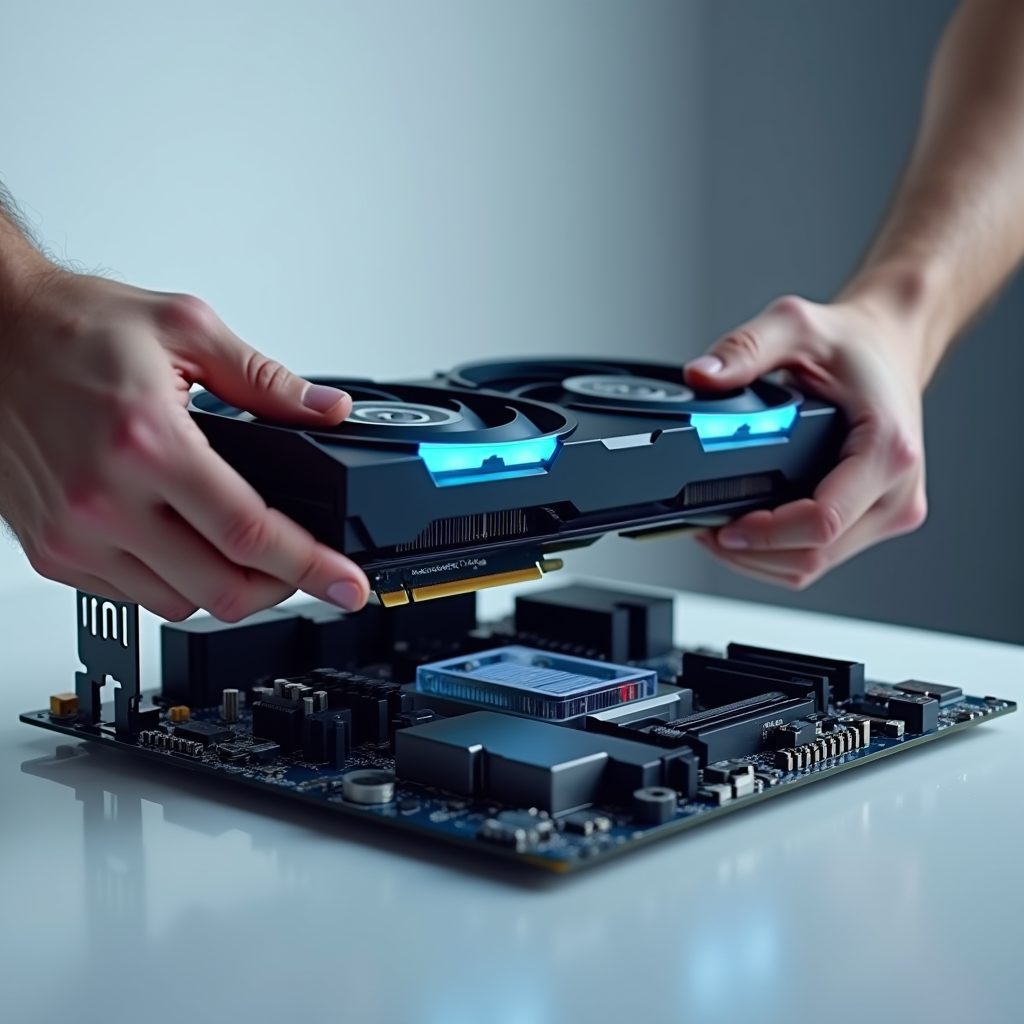
If you’re ready to build your own AI stack, the first line item is the brain: the GPU. Consumer graphics cards are the backbone of home AI, offering the parallel processing power needed for inference and even fine-tuning smaller models. Prices fluctuate, but a common entry point for serious local inference involves cards like the RTX 4090. Some sources cite a price point around $1,599 for a setup anchored by this card, but treat that as a single-source estimate. Hardware pricing is volatile and depends heavily on your region and the current market.
Other estimates suggest you might need to budget in the high-end range to secure the necessary components, including high-speed memory and a robust power supply. This single-source figure should be viewed as a ballpark rather than a guarantee; always check current market rates before making a purchase. The key takeaway is that the cost is significant but finite. Unlike a cloud subscription that compounds indefinitely, your hardware is a one-time purchase that retains some residual value. When you add these components to your cart, you’re investing in a product that serves multiple functions: gaming, rendering, and AI acceleration.
For the professional looking to selfhost, this upfront cost can be amortized over years of use, potentially undercutting the recurring fees of cloud APIs, especially if you’re running heavy workloads. However, it’s crucial to remember that the GPU is just one part of the equation. A balanced system requires adequate cooling and power delivery to handle the sustained load of AI tasks. Overclocking or pushing a GPU to its limits for extended inference sessions can generate significant heat, so investing in a good case airflow or liquid cooling solution might be necessary. This initial outlay establishes the foundation of your home AI lab, giving you the raw compute power needed to run models locally.

The Electricity Bill: Powering Your Private Brain
Once your hardware is humming, the real ongoing cost is electricity. AI inference is power-hungry; it pushes your GPU to its limits for extended periods, drawing current just like a high-end gaming session or a video rendering job. But does running AI locally bankrupt your wallet? Not necessarily. A detailed breakdown from a tech analysis site suggests that a home AI setup using a high-end graphics card typically incurs a modest monthly electricity cost, with some single-source estimates hovering around $17.28.
Again, this figure is a single-source estimate and should be viewed as a ballpark rather than a guarantee, as your actual bill will depend on your local utility rates, the efficiency of your power supply, and how long you keep your AI model active. If you live in an area with high electricity rates, this cost will scale up; if you have solar panels or lower rates, it could be significantly less. The smart move here is to calculate your own cost per kilowatt-hour. You can estimate this by multiplying the wattage of your GPU under load by the hours you run it, then dividing by 1,000 and multiplying by your rate.
This calculation reveals that while the monthly cost is real, it is often manageable and, in many cases, lower than the per-token pricing of cloud providers if you’re running AI frequently. The electricity cost is the “gas” for your home AI engine, and knowing your consumption rate allows you to budget accurately. You can also implement power management strategies, such as scheduling inference tasks during off-peak hours or turning off the system when not in use, to minimize your footprint. By understanding the mechanics of your power draw, you can optimize your setup for both performance and efficiency.
Local vs. Cloud: The Economics of Inference
How does this stack up against the cloud? When you use a remote API, you pay for convenience, scalability, and the provider’s infrastructure. But for the individual user, those convenience fees add up. Research indicates that a self-hosted setup can undercut cloud API pricing by a meaningful monthly margin for comparable usage, according to estimates cited in recent analyses. A single-source figure suggests savings of around $7.10 per month for specific usage profiles, but you must hedge this against your actual usage patterns; if you only run AI occasionally, the cloud might still be cheaper due to the lack of upfront hardware costs.
However, for power users who run models daily, the local approach becomes economically superior. The hidden math here involves the “empty cart” phenomenon: when you rely on cloud services, you’re often paying for idle capacity or over-provisioned resources. By running models locally, you pay for exactly what you compute. This efficiency is particularly relevant for professionals who need to iterate on prompts, test different models, or process sensitive data without incurring per-request fees. The comparison isn’t just about dollars; it’s about the economic model of your AI usage.
Remote services lock you into a metered economy, where every interaction costs a fraction of a cent that can add up to a significant bill. Self-hosted AI offers a fixed-cost structure that rewards high utilization. Once you’ve paid for the hardware and electricity, additional inference is essentially free, aside from the marginal wear on your components. This makes local AI an attractive option for anyone with a heavy, consistent workload. It also eliminates the risk of sudden price hikes from cloud providers, giving you more predictability over your long-term costs.

What Can You Actually Run? The Model Landscape
Knowing the cost is one thing; knowing what fits is another. The explosion of open-source models has changed the game. You’re no longer limited to the few large models that a few companies can afford to host. Instead, you have a vast library of options tailored to different hardware constraints. Tools like willitrunai.com allow you to search and filter models based on your specific VRAM and compute capabilities. This is where the 90% statistic becomes actionable: it suggests that the vast majority of current AI tasks can be performed on consumer hardware.
Whether you’re looking for a chat model, a coding assistant, or an image generator, there’s likely a distilled or quantized version that fits your GPU. The key is to match the model size to your memory. A smaller parameter model might run smoothly on 8GB of VRAM, while a larger model might require 24GB or more. This flexibility allows you to experiment without fear of wasting cloud credits on a model that doesn’t fit. You can download, test, and discard models freely, building a personalized toolkit that evolves with your needs.
This search-driven approach empowers you to find the products of intelligence that best serve your workflow. You can browse repositories, read documentation, and check community reviews to identify the best models for your setup. Many models come with detailed specifications, including recommended VRAM and inference speed, helping you make informed decisions. You can also participate in forums and communities to get recommendations from other users who have tested the same hardware. This collaborative ecosystem makes it easier to navigate the model landscape and find the right fit for your home AI lab.
The Hidden Costs: Maintenance, Updates, and the Pro Tax
Self-hosting is not a “set it and forget it” proposition. There are hidden costs that don’t show up on a receipt. First, there’s the time cost of maintenance. You are responsible for updates, security patches, and troubleshooting. When a new model version drops, you need to download it, test it, and potentially adjust your prompts. This is the “professional” tax of self-hosted AI: you get full control, but you also bear the burden of management. If you’re running a setup that mimics a professional grade environment, the complexity increases. You might need to manage dependencies, ensure your drivers are up to date, and monitor system stability.
These tasks require a baseline of technical literacy. Additionally, the physical environment matters. AI workloads can generate significant heat and noise. Your home lab needs adequate ventilation, and you might need to invest in better cooling solutions to keep temperatures in check. This isn’t just about comfort; overheating can throttle performance or damage components. The hidden costs also include the opportunity cost of your time. If you spend hours configuring a local instance that a cloud API could spin up in seconds, you need to weigh that trade-off. For some, the learning process is part of the fun; for others, it’s a barrier.
The key is to recognize that the total cost of ownership includes your sweat equity, not just your dollars and cents. You can mitigate some of these costs by using user-friendly software stacks that automate much of the setup process. Look for tools that offer one-click installations and clear documentation. You can also join communities where users share scripts and tips for optimizing your setup. By leveraging these resources, you can reduce the maintenance burden and focus on using AI rather than managing it. Always check the footer of a model’s documentation for compatibility notes and dependency requirements; this small detail can save you hours of troubleshooting later.
The Timeline of Home AI: From 2025 to 2026
The evolution of home AI is accelerating, with clear indicators pointing toward further integration and ease of use in the near future. By 2025, the availability of open-source distilled models and consumer GPU acceleration has shifted self-hosted AI from a data-center exclusive to a feasible home-lab pursuit. The tools are becoming more polished, the models more efficient, and the community more supportive. This momentum is expected to continue, with projections pointing toward 2026 for further evolution toward integrated, user-friendly private AI systems.
Single-source projections from digitaltwinpro.com hint at a future where running AI at home feels as seamless as using a smartphone app. We may see more hardware-software co-design, where GPUs and models are optimized together for maximum efficiency. Software platforms may offer even more intuitive interfaces, abstracting away the technical complexities of model management. For the individual user, this means a smoother onboarding experience and fewer barriers to entry. As the ecosystem matures, you can expect more plug-and-play solutions that make self-hosted AI accessible to a broader audience.
This timeline also highlights the importance of staying informed. The field moves quickly, and what works today might be obsolete tomorrow. Keep an eye on community updates, developer blogs, and hardware releases to stay ahead of the curve. By understanding the trajectory of home AI, you can make better decisions about your investments and plan for the future. The goal is to build a setup that not only meets your current needs but can also adapt to the innovations on the horizon.
Privacy, Security, and the Value of Control
Beyond the economics, there’s a non-monetary cost that many users value highly: privacy. When you run AI locally, your data never leaves your machine. You don’t have to worry about your prompts being used to train the provider’s next model, or your sensitive information being exposed in a data breach. This is the ultimate benefit of running AI yourself. For professionals dealing with confidential documents, legal strategies, or proprietary code, this control is invaluable. It eliminates the risk of data leakage and ensures that your intellectual property remains yours.
The “cost” of privacy is the upfront hardware investment, but for many, this is a worthwhile trade-off. By keeping your AI selfhosted, you create a secure perimeter around your digital life. You become the sole gatekeeper of your information, able to audit exactly what is happening inside your models. This level of transparency is impossible with black-box cloud services. In an era of increasing data surveillance, the ability to run AI privately is not just a technical advantage; it’s a fundamental right for those who value their digital sovereignty.
You can further enhance your security by using encrypted storage and network isolation for your AI setup. Consider running your models in a virtual machine or container to add an extra layer of protection. You can also customize your models to remove any unwanted features or telemetry. This customization is a unique advantage of self-hosting; you can tailor the AI to your exact requirements, stripping away anything you don’t need. Ultimately, the privacy benefits of local AI provide peace of mind, knowing that your interactions remain private and under your control.

The Verdict: Who Should Go Local?
So, who should actually run AI at home? The answer depends on your usage patterns, technical comfort, and values. If you’re a casual user who only generates a few images or asks a few questions a week, the cloud remains the most economical choice. The upfront hardware cost can’t be justified for light usage. However, if you’re a power user, a developer, or someone who prioritizes privacy, going local makes sense. You should start your journey by assessing your needs. Do you need low latency? Does your data need to stay private? Are you running AI as a core part of your workflow?
If the answer is yes, the math likely favors self-hosting. You can begin with a single GPU and a distilled model, gradually expanding your stack as you learn. The goal isn’t to build a data center in your basement; it’s to create a personalized AI assistant that serves you on your terms. For the individual, the path is clear: with the right hardware and a willingness to manage the setup, running AI at home is a feasible, cost-effective, and empowering pursuit.
The Catches
It’s important to temper the enthusiasm with reality. Running AI at home is not free, and it’s not effortless. Here are the honest caveats you need to consider:
- Maintenance is ongoing: You are the sysadmin. Updates break things. Models change. You need to stay engaged. There is zero maintenance only if you never upgrade or troubleshoot, which is impossible.
- Hardware limitations: Consumer GPUs have limits. VRAM is finite. You can’t run the absolute largest models. If a model requires more memory than you have, it simply won’t run, or it will run incredibly slowly.
- Electricity variability: Your cost depends on your rate. High rates can eat savings. Always calculate based on your specific utility bill.
- Resale value risk: Tech moves fast. Your GPU might depreciate. While it retains value, it won’t hold it forever.
- Complexity: Setup can be technical. Troubleshooting takes time. You need a baseline of IT literacy.
- Noise and Heat: It’s loud and hot. Not ideal for a bedroom setup without mods. You may need to invest in cooling solutions.
- No zero expenses: Never believe claims that local AI requires zero maintenance or eliminates all costs. There are always hardware, electricity, and time costs to account for.
Closing
The true cost of running AI at home is measured in more than just dollars; it’s a trade-off between capital, convenience, and control. By investing in your own hardware, you gain a privacy-preserving, cost-effective stack that scales with your needs, proving that advanced AI is no longer the exclusive domain of the cloud. Ultimately, the decision comes down to whether you value the autonomy of self-hosted intelligence enough to manage the hardware and electricity that power it.
Sources
- Digitaltwinpro — Cost to Run AI at Home: 2026 Math - digitaltwinpro.com
- Xcentium — The Hidden Costs of Running AI Models In-House: Why Smart Companies Start Remote
- Willitrunai — What does running AI locally actually cost? - Will It Run AI
- Reddit — r/selfhosted on Reddit: How much would it cost to host professional grade AI for yourself
Watch the short