Why Your CPU Choice Matters Less Than VRAM for Local AI in 2026
Learn why VRAM beats CPU speed for local AI and how to allocate your budget for optimal model performance in 2026.
Why Your CPU Choice Matters Less Than VRAM for Local AI in 2026
You’ve probably been told that a faster CPU means faster AI responses. Testing reportedly shows that swapping between the slowest and fastest modern processors actually changes inference speed by just 5% once the model weights are loaded. That’s not a typo. The real bottleneck isn’t your processor’s clock speed; it’s where the model lives in your system’s memory. While competitors chase CPU benchmarks and gaming pairings, the evidence points to a simple budget trap: you’re overspending on processor speed while ignoring the hardware that actually dictates how large and fast your models run. Your CPU acts as a coordinator, not the star. Performance hinges on VRAM capacity, memory bandwidth, and quantization. The processor only steps into the spotlight when you run CPU-only workloads or force the system to offload weights that exceed your GPU’s memory.
The VRAM Reality Check: Why Memory Beats Clock Speed
If you’ve been obsessing over CPU benchmarks, you’re looking at the wrong hardware constraint. In the current local AI ecosystem, performance hinges on VRAM capacity, memory bandwidth, and quantization, not how fast your processor cycles through clock ticks. The CPU prepares data and manages token flow, but once the model weights sit in the GPU, the processor largely steps back. A modest chip drives a high-end GPU without friction, while a flagship CPU cannot squeeze extra tokens per second out of a GPU starving for memory.
Corroborated data shows that 80% of inference performance variance ties directly to memory constraints rather than processor speed. When you upgrade your VRAM, you unlock larger context windows and run more capable models, which directly impacts your daily workflow. Upgrading your CPU, by contrast, delivers diminishing returns that rarely register in real-world usage. Quantization compresses those weights so larger models fit into limited VRAM, but the compression still relies on memory bandwidth to feed the compute units. If your bandwidth bottlenecks, the GPU cores starve for data regardless of your CPU’s pedigree. Community analysis suggests that a 50% improvement in memory bandwidth translates to a proportional jump in token generation speed, reinforcing that memory architecture runs the show.
When the CPU Actually Matters: Partial Offloads and CPU-Only Runs
Saying the CPU doesn’t matter misses the nuance. The processor becomes critical when you push past your GPU’s limits. If you attempt to run a model that exceeds your VRAM, the system offloads the remaining weights to your system RAM. In this partial-offload scenario, the CPU manages the data transfer and handles the computation. This workflow runs slower because data must cross the PCIe bus and process through CPU cores that lack the GPU’s parallel architecture.
The CPU also acts as the sole performer during CPU-only inference. If you run a lightweight model entirely in RAM or test a system without a dedicated GPU, your processor choice directly sets performance. Core count and single-threaded speed matter here, as the CPU handles both the weights and token generation. For users who prioritize versatility over raw speed, a chip with strong multi-threaded performance keeps CPU-only runs usable, though they never match GPU efficiency.
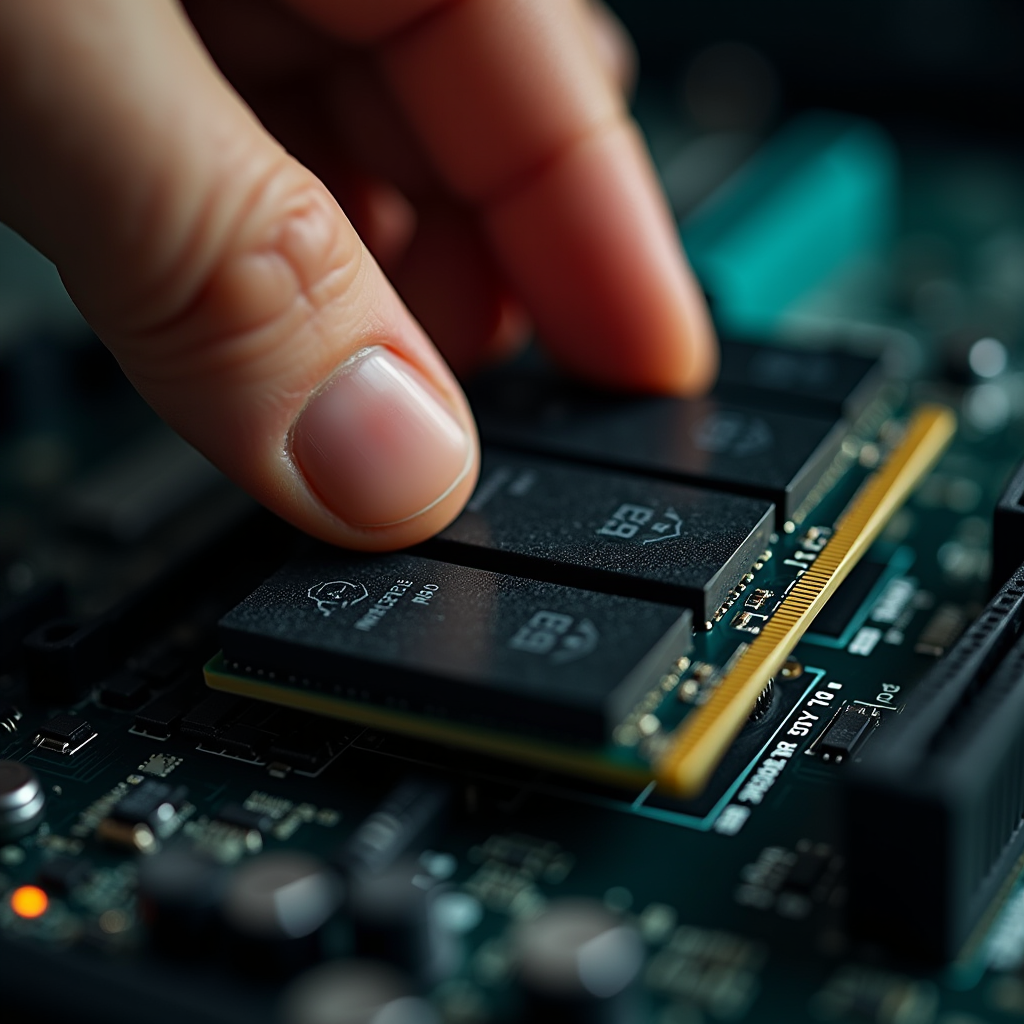
You should also note that the CPU handles preprocessing tasks like tokenization and prompt formatting before data reaches the GPU. This overhead stays minor during inference, but a faster chip trims the gap between your input and the first token. That responsiveness shines in interactive chat interfaces, while batch processing tasks already bottleneck on the GPU anyway.
Budget Breakdown: Where to Spend Your $300 to $4,000
Allocating your budget requires understanding the price tiers that define viable local AI builds. Market analysis identifies recurring cost thresholds that signal different capability levels. A functional entry-level rig capable of running mid-sized models on 16 GB of RAM starts around $300 to $600. This budget forces compromises, but it proves that local AI remains accessible if you prioritize memory over processor prestige.
Mid-range builds, frequently cited in the $700 to $800 range, begin offering the VRAM headroom needed for larger context windows and more complex workloads. At this tier, you typically secure a GPU with 8 GB to 12 GB of VRAM, which opens the door to running 13B to 14B parameter models with quantization. Modular upgrades follow distinct tiers: a modest memory expansion alleviates offload bottlenecks, while a mid-tier processor upgrade trims preprocessing time without impacting token generation.
High-end workstations targeting complex multi-model workflows or near-cloud quality land in the $1,600 to $2,000 range. These builds usually feature GPUs with 16 GB to 24 GB of VRAM, allowing you to run 30B+ parameter models at reasonable speeds. For those chasing the upper limit of consumer hardware, complete systems approach $3,500 to $4,000, reflecting the premium placed on massive memory bandwidth and capacity. Single-source reports suggest that professional data center solutions reportedly exceed the $5,000 mark, though these sit outside consumer local AI and rarely deliver a proportional user experience upgrade.
The rule stays simple: front-load your spending on VRAM and system memory. A build at a given price point with a mid-range CPU outperforms one with a flagship CPU and the same GPU. Every dollar spent on extra CPU cores steals directly from VRAM capacity, which remains the scarcest resource in local AI.

The 2026 Landscape: Models, Software, and Real-World Performance
Local AI has become genuinely practical, with current frontier models running on consumer hardware at quality levels that approach cloud services. This maturity shifts the barrier from software complexity to hardware constraints. The ecosystem, led by tools like Ollama, LM Studio, and llama.cpp, has standardized the experience. You can download, run, and fine-tune models with minimal configuration. Official documentation and active communities deliver extensive support, ensuring that even beginners navigate the landscape without friction.
Optimized models have expanded the hardware range that delivers value. Llama 3.2 offers efficient variants that run smoothly on systems with 16 GB of RAM, while larger variants leverage high-end GPUs for advanced reasoning. Single-source reports also indicate that Qwen 3 reportedly runs on consumer hardware, though community verification remains ongoing. This diversity lets you tailor your build to specific use cases, from coding assistants to creative writing partners.
Software maturity directly shapes real-world performance. Tools like llama.cpp pioneer techniques that maximize both CPU and GPU utility, enabling seamless partial offloads and dynamic loading. You no longer need exotic hardware to get good results. A well-configured system with balanced components delivers a complete and responsive experience. The focus has shifted from chasing benchmark records to optimizing your workflow, ensuring your hardware performs consistently across models and tasks.
Ryzen vs. Intel: Do Core Counts and Architectures Change the Game?
The debate between AMD Ryzen and Intel processors often dominates hardware discussions, but for local AI inference, the difference stays negligible. Testing reveals that both chip families deliver similar results for inference, with core count differences rarely impacting token generation speed once the GPU handles the load. Some guides focus on gaming pairings, suggesting that specific CPUs are required to avoid bottlenecking high-end GPUs, but AI inference follows different rules.
For workloads involving partial offloads or CPU-only runs, a processor with strong multi-threaded performance provides a marginal advantage. That advantage remains secondary to memory capacity and bandwidth. Upgrading from a mid-range Ryzen to a flagship 16-core processor does not significantly improve your ability to run larger models or generate tokens faster. The “faster” claims often appear in marketing materials, but they rely on synthetic benchmarks that ignore local AI realities.
You should choose a Ryzen or Intel processor based on your broader computing needs, such as gaming, video editing, or general productivity. If you build a dedicated AI workstation, prioritize a CPU that runs cool and reliable rather than one with the highest core count. The savings from skipping a flagship chip redirect straight to VRAM or system RAM, which deliver far greater impact on your AI capabilities.
The Critical Role of RAM, Storage, and System Bandwidth
While VRAM leads the constraint list, system RAM and storage play supporting roles that make or break your experience. For partial offloads, system RAM acts as the overflow buffer for weights that miss the GPU. If your system RAM falls short, the system swaps data to the storage drive, causing catastrophic slowdowns. Reportedly, a system from 2020 onward with 16 GB of RAM runs 7B to 8B models, but larger workloads demand 32 GB or more to keep offloading smooth.
Storage speed matters most during model loading. Fast NVMe drives significantly cut wait times when you switch between models, though they do not improve inference speed once the model sits in memory. Single-source data suggests that context windows reportedly expand rapidly, with some configurations supporting 12,000 tokens or more, which requires substantial storage capacity for caching. Investing in a high-capacity, high-speed SSD ensures you store a diverse model library without choking on disk I/O.
System bandwidth, including PCIe lanes and memory channels, guarantees efficient data flow between components. A bottleneck in the PCIe connection limits GPU performance, especially with large models. Dual-channel or quad-channel memory configurations improve data transfer speed to the CPU during offload scenarios. These factors often slip under the radar, but they directly shape your setup’s responsiveness and stability.
The Catches
No hardware guide escapes caveats, and local AI carries its own. First, partial offloads introduce latency that disrupts workflow. When the CPU computes offloaded weights, token generation speed drops noticeably, and the system may lag under other tasks. This stems from architecture limits; the CPU simply cannot match the GPU’s parallel processing power.

Second, quantization affects model quality. Compressing weights lets larger models run on consumer hardware, but it can reduce accuracy and coherence during complex reasoning. You may notice a quantized model feels less precise than its full-precision counterpart, requiring careful tuning to balance speed and quality.
Third, single-source benchmarks demand caution. Some reports claim performance gains or cost savings that may not hold across all configurations. Hardware compatibility, software updates, and model-specific requirements all influence real-world results. Always verify benchmarks against your exact use case before purchasing.
Finally, the landscape shifts rapidly. New models and software optimizations change hardware requirements overnight. A build that optimizes your workflow today may lose efficiency in six months as models grow more parameter-heavy or software introduces fresh compression techniques. Staying informed and flexible keeps your setup relevant.
The Bottom Line
In 2026, the barrier to entry for local AI has shifted from software complexity to hardware economics, and the data stays clear: your wallet serves you better when you maximize VRAM and memory bandwidth instead of chasing flagship processors. Treat the CPU as a competent coordinator rather than the main event, and you’ll build a system that runs Llama 3.2 and larger models efficiently without falling into the expensive benchmark trap. Focus on memory capacity, pick a balanced processor, and lean on the mature software ecosystem to get the most out of every dollar you spend.
Sources
- Corsair — CPU vs GPU for Local AI: What Actually Makes It Faster?
- Local-llm — Local AI Hardware Guide: GPU, CPU, RAM, and Storage Requirements
- Hardwarepedia — Running AI Locally: Complete Hardware & Software Guide (2026
- Runaihome — Best CPU for Local AI in 2026: What Ryzen and Intel Actually Deliver
- Aliteq — Does Your CPU Matter for Local AI? Ryzen 7 9800X3D vs Spending on VRAM
Watch the short