
What Is Vibe Coding (and How to Actually Learn It)
Vibe coding is the new way developers write software with AI — no deep coding knowledge required. Here's what it is, how it works, and whether you should try it.
What Is Vibe Coding?
Vibe coding is the art of writing software by describing what you want in plain language and letting an AI — usually Claude, ChatGPT, or GitHub Copilot — generate the code for you. You provide the “vibe” (the intent, the behavior, the feel) and the AI fills in the technical details.
Think of it like directing a jazz session. You tell the band the key, the mood, and the melody. You don’t play every note — the musicians fill in the rest. Except the musicians are extremely fast, occasionally hallucinate a wrong note, and need you to keep an ear on the final product.
The term caught fire on social media in late 2025 when creator Mansheej popularized the phrase, and it’s been spreading through developer circles ever since. At its core, it’s a workflow, not a tool: you talk to an AI, it produces code, you check whether it does what you described, and you iterate.
Vibe Coding in Software Development: What Does That Actually Look Like?
In practice, vibe coding follows a simple loop:
- Describe — You type (or speak) what you want in natural language. “Build a landing page for a coffee shop with a menu, location map, and reservation button.”
- Generate — The AI writes the code. Modern models produce surprisingly complete scaffolding in one shot.
- Review — You check the output. Does it match your intent? Does anything look wrong?
- Iterate — You refine your description and let the AI adjust. “Make the header bigger and use darker colors.”
You can vibe-code everything from simple scripts and websites to data pipelines, automation workflows, and even entire apps. The AI tools do the heavy lifting; you provide direction and quality control.

The key difference from traditional coding is that you’re not writing syntax — you’re writing specifications. You don’t need to memorize library APIs or debug missing semicolons. But you do need to think clearly about what you want and be able to spot when the AI gets it wrong.
Vibe Coding in Simple Words
Imagine you want to build a house. Traditional coding is like being the carpenter — you measure every board, hammer every nail. Vibe coding is like being the architect — you describe the house to a team of builders, they construct it, and you walk through to make sure the doors open and the rooms feel right.
You don’t need to know how to build the house yourself. You just need to know what you want it to look like.
Google’s Vibe Coding Tools
Google has been betting big on vibe-coding-friendly tools:
- Project Antigravity (also called “Deep Research”) is Google’s experimental agentic coding tool that can plan, generate, and refine code from natural-language prompts — essentially a full vibe-coding workflow baked in.
- GitHub Copilot (Microsoft, but Google-adjacent in the ecosystem) remains the most widely used AI pair programmer, with deep IDE integration.
- Claude (Anthropic) and ChatGPT (OpenAI) are the two most popular general-purpose AI coding assistants people use for vibe coding.
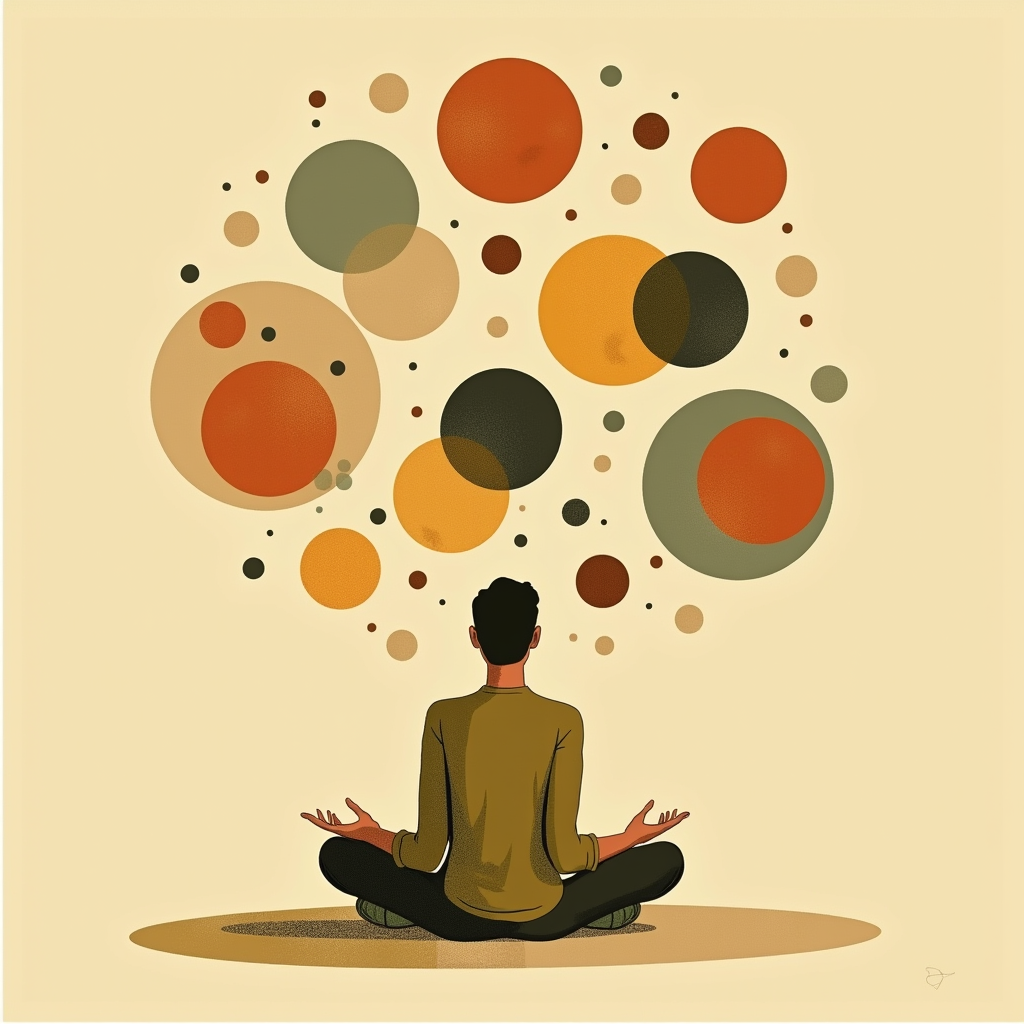
The broader point: you don’t need Google’s tools specifically. Vibe coding works wherever you have a capable AI coding assistant. But Google’s aggressive push into agentic workflows is making this category harder to ignore.
Vibe Coding in Power Apps: The Enterprise Angle
Microsoft’s Power Platform has embraced vibe coding too. Power Apps’ Copilot lets you describe a business app in plain English and generates the full app — forms, data connections, logic, the works. This is vibe coding for the enterprise: no-code professionals building internal tools without writing a single line of code.
The same principle applies — describe what you need, AI builds it, you review and refine. The stakes are just higher because these apps often handle real business data.
Should You Try It?
Vibe coding isn’t for everyone. It’s best when you:
- Have a clear idea of what you want to build
- Can reason about code well enough to review and correct AI output
- Want to move fast on prototypes or small-to-medium projects
- Are learning to code and want AI as a tutor, not a crutch

It’s less ideal when you’re building deeply specialized systems, need pixel-perfect optimization, or are working on a team where code quality and review matter (because AI-generated code needs the same scrutiny as any other code).
The skills that matter most in vibe coding aren’t syntax or framework knowledge — they’re problem decomposition (breaking a big idea into steps an AI can execute), clear communication (writing prompts that leave no ambiguity), and code literacy (reading and understanding the output well enough to catch errors).
If you’re just getting started, pick a small project — a personal website, an automation script, a data dashboard — and try describing it to an AI coding assistant. You’ll learn faster by reviewing and fixing AI output than by staring at a blank editor.
Quick Quiz: Did This Click?
Try answering these before checking the answers below:
- What’s the core loop of vibe coding? (Describe → Generate → Review → Iterate)
- What skill matters most in vibe coding? (Clear problem decomposition and code literacy — not memorizing syntax)
- Can you vibe-code without knowing how to code? (Yes, but you need enough code literacy to review and correct the AI’s output)

Click to reveal all answers
- Describe what you want, AI generates the code, you review it, and iterate with feedback.
- Problem decomposition and code literacy — understanding what you’re building and being able to read/fix the output.
- Yes for prototyping and small projects, but you need enough code knowledge to spot when the AI makes mistakes.
Sources
- Reddit r/artificial — The Death of “Vibe Coding”: Why unmonitored AI generation is creating a compounding technical debt — Community discussion on the limits of vibe coding
- Reddit r/ChatGPT — Day 1 of Vibe Coding — Early adopter’s hands-on experience
Watch the full lesson