Is One GPU Enough for Local AI? The Two-GPU Truth
Learn how to combine two separate GPUs for local AI workloads using modern software orchestration instead of buying expensive single cards.
Is One GPU Enough for Local AI? The Two-GPU Truth
You’ve been told that local AI demands a single, monolithic graphics card with enough VRAM to swallow your models whole. That rule is breaking. Today, you can actually pair two separate graphics cards and have them work as one unit, all orchestrated by software rather than expensive hardware bridges. This isn’t about forcing legacy constraints; it’s about building a flexible, underutilized alternative that rethinks how we assemble AI rigs. The shift isn’t driven by bigger cards—it’s driven by smarter coordination.
What Does “Combining Two GPUs” Actually Mean?
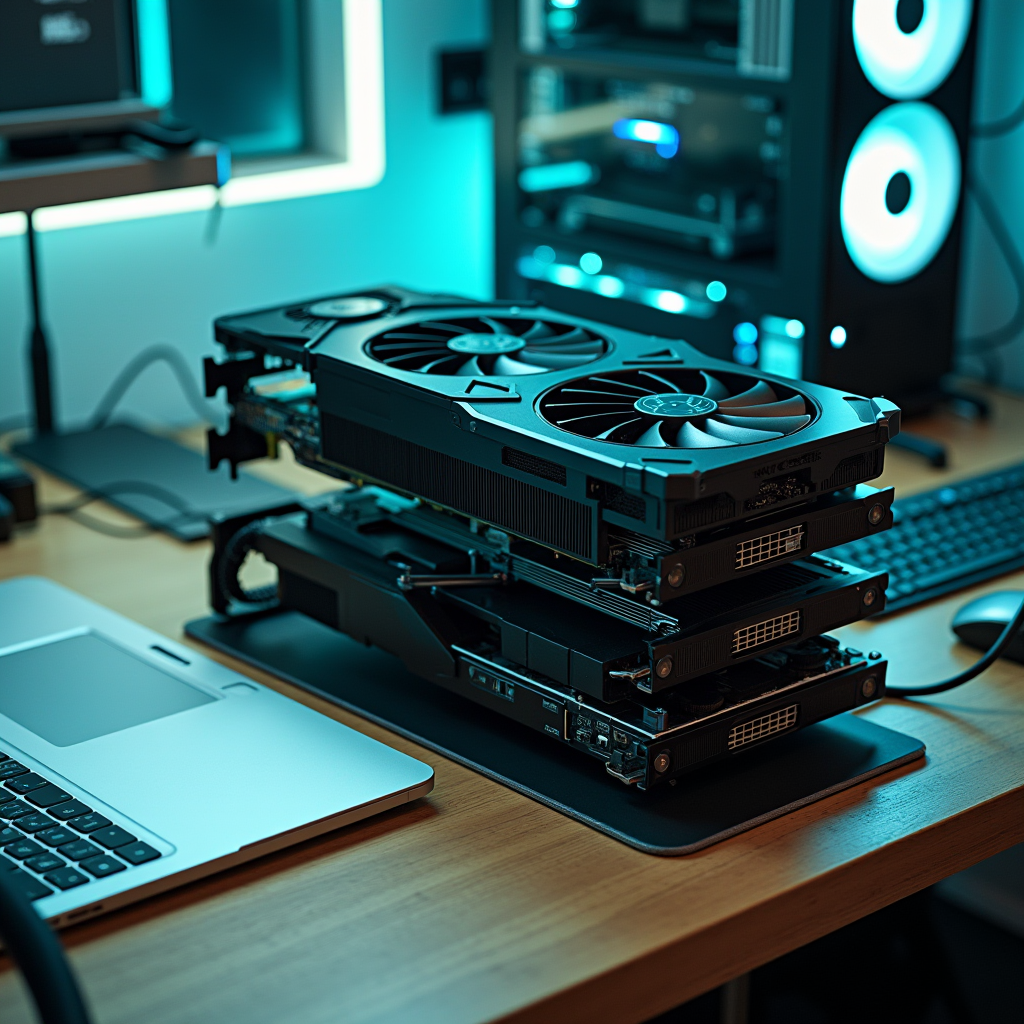
When we talk about combining two GPUs now, we aren’t talking about the outdated hardware bridges of the past. You’re looking at a software-driven handshake. Modern tools and community tweaks let you pair distinct graphics cards to share the load. Think of it like a relay race instead of a solo sprint: one card handles the heavy lifting of rendering, while the other steps in to upscale and refine the output. The magic happens in the software layer, which routes tasks between cards without demanding they be identical twins or tethered by proprietary cables. You’re aggregating resources through code, not copper. This shift matters because it untethers you from rigid hardware matching. You can now evaluate modular setups for inference workloads by letting separate cards collaborate on output-heavy tasks, provided the software layer can keep them in sync.
The Modular Alternative to Monolithic AI Hardware
The traditional path to local AI has always been monolithic: chase the biggest VRAM pool you can afford, hope the memory bandwidth holds up, and cross your fingers. The modular route flips that script. Instead of locking yourself into one expensive SKU, you can build a system that adapts to your actual hardware and budget. Flexibility is your biggest win here. You can source cards that complement each other, mixing generations or vendors, and let software manage the handoff. This approach also wakes up hardware you’ve already written off. That older card sitting in your drawer? It doesn’t have to gather dust. In a combined setup, it can actively share rendering and upscaling duties, turning “insufficient” into “supporting cast.” You’re no longer forced to buy new; you’re learning to coordinate what you already have.
How Modern Software Bridges the Gap
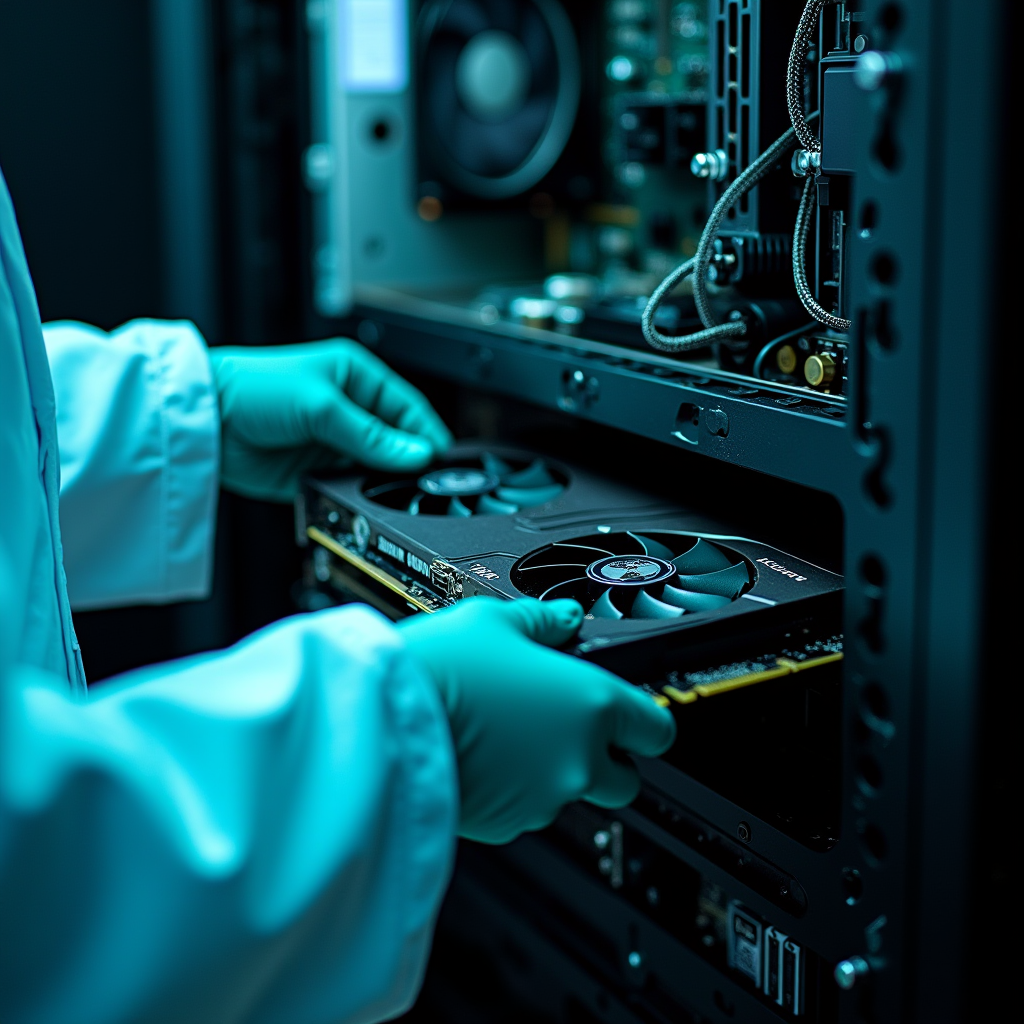
The whole setup hinges on the software layer, and that’s where the real breakthrough lives. Tools like Lossless Scaling and community-driven modifications have proven that distinct graphics cards can successfully share rendering and upscaling tasks without legacy bridging. These programs act as the conductor, managing communication, distributing work, and keeping the pipeline smooth. Because the orchestration happens in software, you bypass the need for hardware-specific dependencies. This makes modular combining accessible to builders who don’t want to hunt down rare, expensive interconnects. The community has also pushed these tools further, reverse-engineering how cards talk to each other and proving that modular architectures can be seriously evaluated for inference workloads. You get the flexibility of a custom setup without the friction of proprietary hardware.
The Economics of Modular AI: Breaking the Budget Barrier
Cost usually dictates your local AI build, and modularity changes the math. By sourcing distinct cards and combining them, you can often reach performance tiers that would demand a prohibitively expensive single card. Some builders have reportedly found functional dual-GPU configurations for as little as $7, though those figures come from a single source and should be treated as edge cases rather than market standards. You’ll also see community discussions tossing around numbers like 2048 or 20%, but without independent verification, those remain indicators of potential rather than guarantees. The real economic win isn’t a magic price tag; it’s the ability to scale your rig gradually. You can add cards as your budget allows, replace a failed component without scrapping the whole system, and tap into the secondary market where prices are often kinder. Modular AI turns a luxury purchase into a buildable project.
Why Local AI Changes the Rules of the Game
Most coverage around multi-GPU setups still lives in the gaming lane, fixating on frame rates and rendering tricks. Local AI shifts the goalposts entirely. While gaming cares about smooth playback, AI workloads demand inference, memory management, and complex output generation. Combining separate GPUs for local AI offers a flexible, underutilized alternative to monolithic hardware that gaming benchmarks simply can’t capture. In this space, rendering and upscaling take on new meaning. You’re not just pushing pixels; you’re generating images, refining prompts, and scaling outputs to higher resolutions. The GPUs can split these tasks, letting one handle the initial generation while the other upscales and polishes the result. This division of labor keeps the pipeline moving and lets you tackle larger models without choking on memory limits. The potential here is awesome, but it requires a clear-eyed look at what the hardware can actually do. You’re not chasing raw FPS; you’re building a coordinated system that adapts to the unique demands of AI generation.
The Catches: Where Modular AI Hits Reality
Promise doesn’t replace physics, and modular AI comes with real-world friction. The most important caveat is straightforward: practical deployment still requires further validation. While software and community tweaks have proven that distinct cards can share rendering and upscaling tasks, moving from a working demo to a reliable, production-ready AI inference rig isn’t automatic. You’ll likely spend time troubleshooting driver conflicts, tweaking software handoffs, and accepting that flexibility often trades off against plug-and-play simplicity. Software orchestration also carries overhead. Managing communication between cards consumes CPU cycles and can introduce latency, which might eat into performance gains for certain inference workloads. Success also depends heavily on card compatibility and the stability of the tools you’re using. Not every combination will play nice, and secondary market hardware comes with its own wear-and-tear risks. Modular AI is a powerful alternative, but it rewards patience, technical curiosity, and a willingness to validate every step before you commit.
Quick Check: Do You Need Two GPUs for Local AI?
-
What actually enables two separate GPUs to work together today? A) Proprietary hardware bridges B) Software-defined orchestration C) Identical card models D) Direct SLI linking
-
Which tool is highlighted as a key enabler for sharing rendering and upscaling tasks? A) CUDA Core Maximizer B) Lossless Scaling C) VRAM Duplicator D) Frame Rate Booster

-
What’s the biggest practical catch with modular GPU setups right now? A) They require expensive proprietary cables B) Practical deployment still requires further validation C) They only work on Linux D) They automatically double inference speed
(Answers: 1-B, 2-B, 3-B)
Sources
Watch the short